FREE TEMPLATE
Free Weighted Decision Matrix Template With a Worked Example
A free weighted decision matrix template with a worked example. Adjust the weights and watch the ranking change, then score options with your team and AI.
- Free, no sign-up
- Use ChatGPT, Claude or your own AI
- Up to 10 people
Try the example
Interactive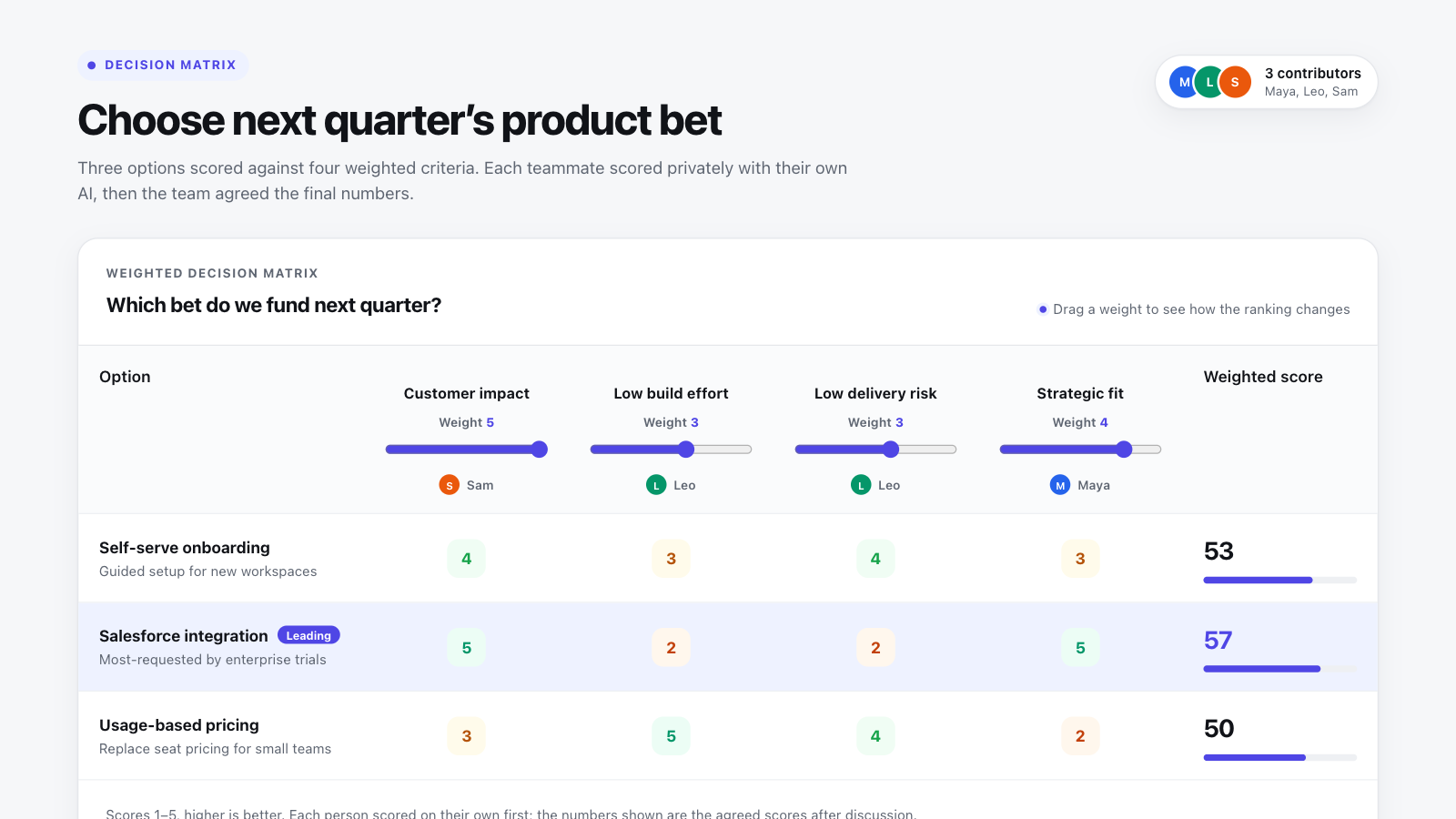
How to use this template in Boardblend
Open it as a live board
One click opens a ready-made board with every section laid out and empty. No account needed.
Connect your AI
Each person connects their own assistant to research and draft privately.
Decide together
Invite up to 10 people, agree the final version, then export it as a PDF or PNG.
A decision matrix (also called a weighted scoring model or prioritization matrix) helps a team compare options against the criteria that matter, so the choice rests on visible reasoning rather than on who argues hardest.
The example above is interactive. Three product bets are scored against four criteria. Drag any weight and the totals, the leading option and the sensitivity check update instantly—exactly the conversation your team should have before trusting the result.
How the weighted decision matrix works
- List the options. Two to five real alternatives, described in the same level of detail.
- Choose criteria. The factors that would make one option better than another: impact, effort, risk, strategic fit, cost.
- Weight each criterion. Use a 0–5 scale. A weight of 0 removes a criterion without deleting it, which is useful for "what if" questions.
- Score each option. Use 1–5, where higher is always better. Phrase criteria so this holds ("low build effort", not "effort").
- Multiply and add. Each score is multiplied by its weight and summed into a weighted total.
In the example, the Salesforce integration scores 5 on customer impact (weight 5), giving 25 points from that criterion alone. Its total of 57 edges out Self-serve onboarding at 53—a close call worth discussing.
Weighted decision matrix example
| Option | Customer impact (×5) | Low build effort (×3) | Low delivery risk (×3) | Strategic fit (×4) | Weighted total |
|---|---|---|---|---|---|
| Self-serve onboarding | 4 | 3 | 4 | 3 | 53 |
| Salesforce integration | 5 | 2 | 2 | 5 | 57 |
| Usage-based pricing | 3 | 5 | 4 | 2 | 50 |
Check how sensitive the result is
A matrix is most useful when it tells you how close the call is. The example's sensitivity panel shows the gap between first and second place. If a one-point change in a weight flips the winner, you don't have a clear answer yet—you have a disagreement about priorities that deserves discussion.
Try it: drop Strategic fit to 2 and all three options land within a point of each other. Raise Low delivery risk to 5 as well and onboarding takes the lead.
Score independently, then compare
The biggest risk in team scoring is anchoring: the first person to say a number shapes everyone else's. The template records an example disagreement—engineering scored delivery risk at 1, product at 4—and how evidence settled it at 2.
To get that benefit:
- each person scores privately before seeing anyone else's numbers;
- the team discusses only the cells with large differences; and
- the agreed score and the reason are recorded together.
This is the same principle behind effective AI-assisted decision making: use AI to gather evidence and challenge assumptions, but keep the judgment and the trade-offs with people.
Download your decision matrix
Fill in the board with your team, then use Export PDF or Export PNG to download a copy to share, print or attach to a document. Unlike a static spreadsheet, the board recalculates totals live as weights change, so the whole team sees how sensitive the result is before you export the final version.
When to use a decision matrix
Use it when you have several viable options, more than two criteria and a team that needs to agree. It works well for choosing vendors, product bets, hires, locations and technical approaches—for example, an engineering team comparing two databases on performance, operating cost, team familiarity and migration risk.
Skip it when one constraint dominates (a legal requirement, a hard deadline) or when options can't be scored meaningfully yet. For ranking a long backlog, a simpler method such as the one in our feature prioritization guide may be faster.
Common mistakes
- Choosing criteria after seeing the scores. Agree criteria and weights first.
- Overlapping criteria. "Revenue" and "customer value" often measure the same thing twice.
- False precision. A total of 57 versus 55 is a tie. Discuss it as one.
- Hiding disagreement. Averaging a 1 and a 5 into a 3 throws away the most useful information on the board.
If the decision turns on why something went wrong, start with a fishbone diagram instead.
COMMON QUESTIONS
Frequently asked questions
What is a decision matrix?
A decision matrix is a table that compares options against the same criteria. Each criterion has a weight that reflects its importance, each option gets a score per criterion, and the weighted scores are added up to rank the options.
How do you calculate a weighted decision matrix?
Multiply each option's score for a criterion by that criterion's weight, then add the results across all criteria. The option with the highest total ranks first. In the example, a score of 5 on a criterion weighted 5 contributes 25 points.
How many criteria should a decision matrix have?
Three to six criteria is usually enough. More than that tends to hide the few factors that really matter and makes the scores harder to discuss.
What if the decision matrix gives the wrong answer?
Treat that as information. Usually a weight or a criterion is missing, or the team disagrees on what a score means. Discuss the gap, adjust the model openly and record why—don't silently change numbers to reach a preferred answer.
Can I make a decision matrix in Excel?
Yes. Put criteria in columns, weights in one row and scores below, then total each option with SUMPRODUCT. If you'd rather not build it yourself, start the live board on this page and export the result as a PDF or PNG.
Is a decision matrix the same as a Pugh matrix?
They are closely related. A Pugh matrix scores options relative to a baseline option (better, same or worse), while a weighted decision matrix scores each option on an absolute scale.
RUN IT WITH YOUR TEAM
Start your decision matrix in one click.
Everyone brings their own AI, adds their thinking, and you agree the result together on one live canvas.
More free templates
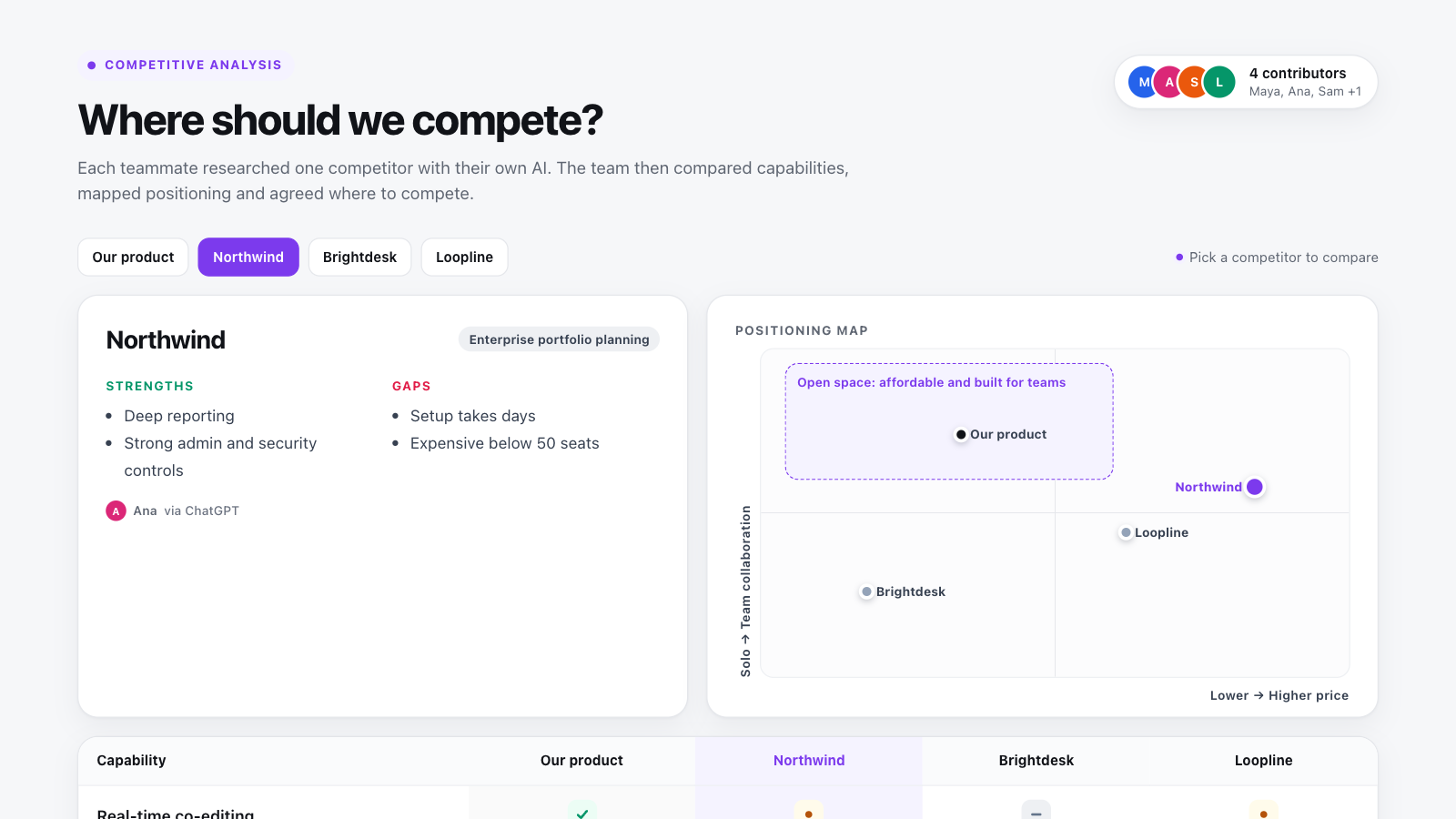
Competitive analysis template
Compare rivals feature by feature, map positioning and agree where you can win.
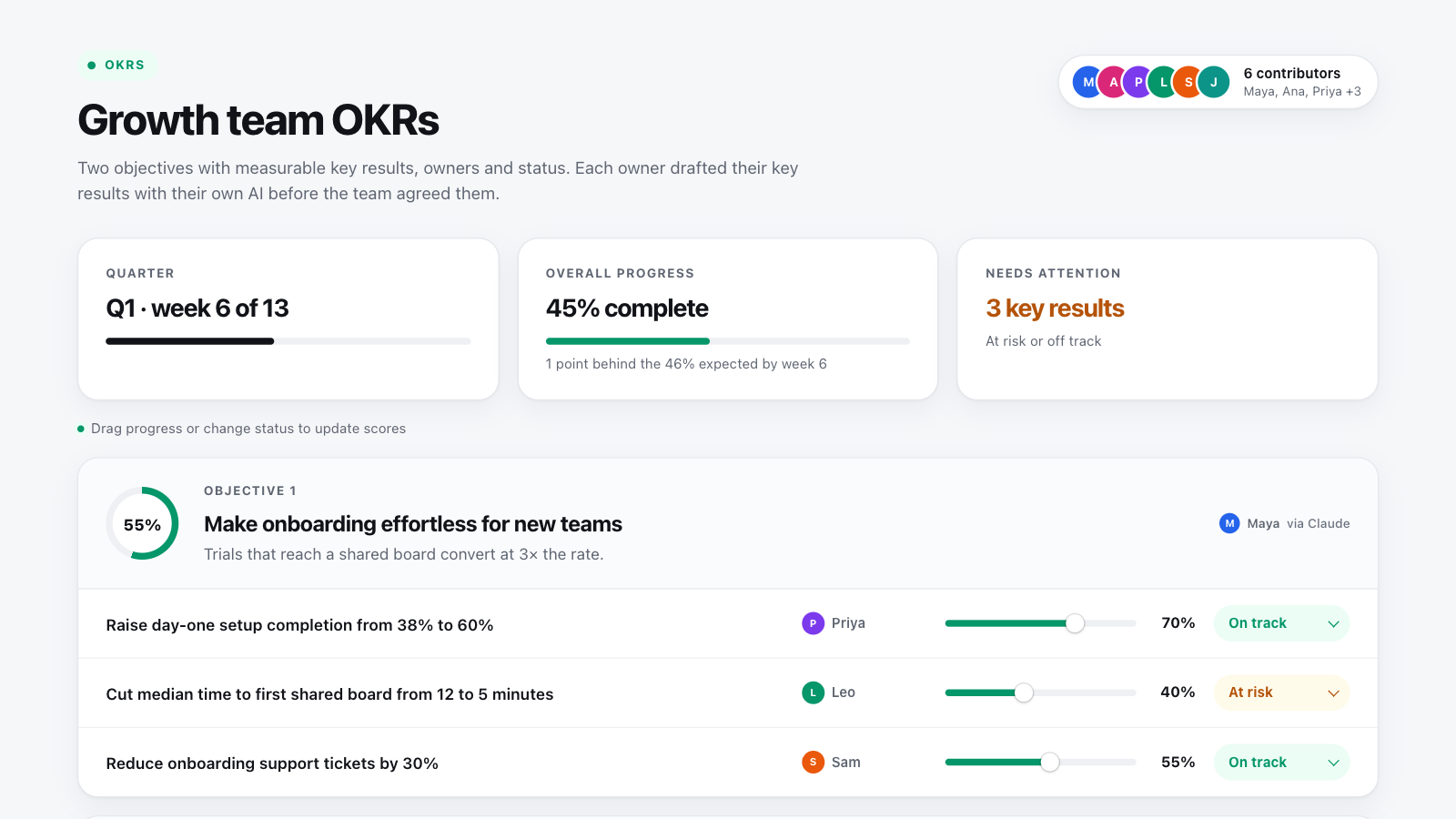
OKR template
Set objectives with measurable key results, owners and status, and track progress as a team.
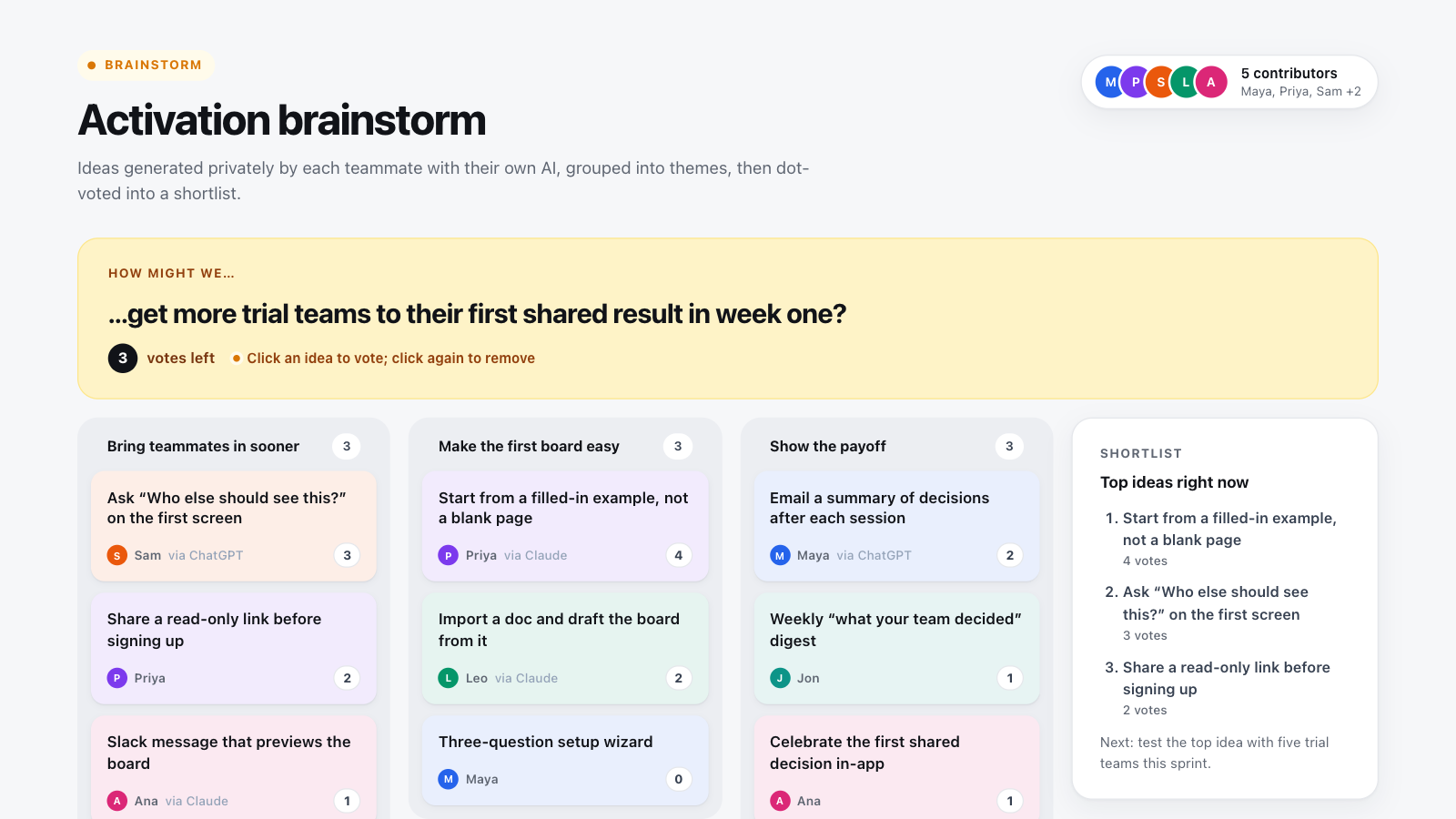
Brainstorming template
Generate ideas independently, cluster them into themes and dot-vote a shortlist.