FREE TEMPLATE
Free Brainstorming Template for Teams, With Dot Voting
A free brainstorming template with a real example. Frame a how-might-we question, generate ideas independently, cluster them and dot-vote a shortlist with your team.
- Free, no sign-up
- Use ChatGPT, Claude or your own AI
- Up to 10 people
Try the example
Interactive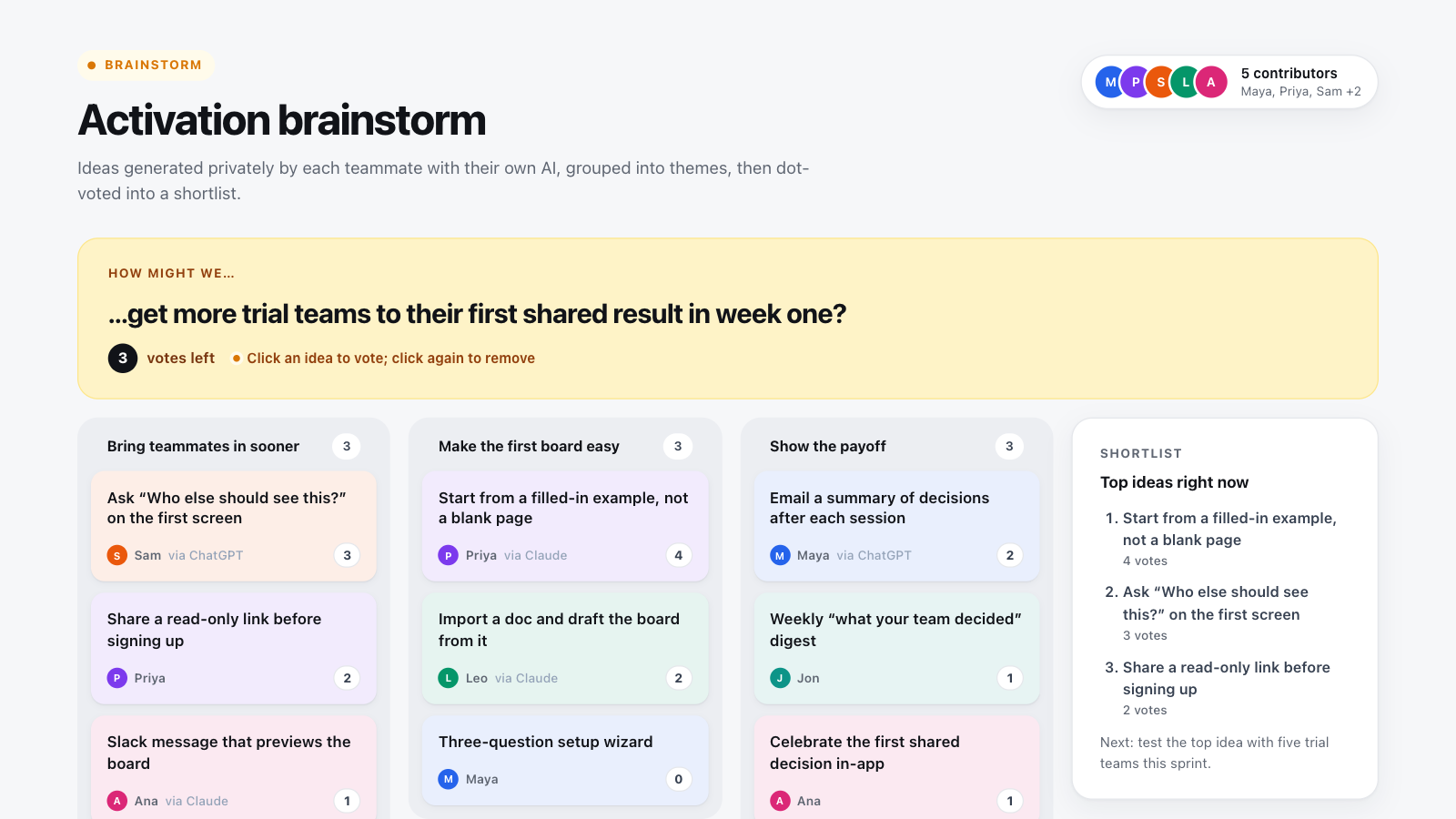
How to use this template in Boardblend
Open it as a live board
One click opens a ready-made board with every section laid out and empty. No account needed.
Connect your AI
Each person connects their own assistant to research and draft privately.
Decide together
Invite up to 10 people, agree the final version, then export it as a PDF or PNG.
A good brainstorm moves through three stages: diverge (generate many ideas), converge (group and compare them) and decide (pick what to try). This template builds all three into one board, so the session ends with a shortlist rather than a pile of sticky notes.
The example above shows a product team's brainstorm on trial activation. Click any idea to vote—you have three votes—and watch the shortlist reorder live.
The structure of this brainstorming template
| Area | Purpose | In the example |
|---|---|---|
| How-might-we question | Focuses every idea on one outcome | Get trial teams to a shared result in week one |
| Idea notes | One idea per note, with who added it | "Start from a filled-in example, not a blank page" |
| Themes | Groups related ideas so patterns appear | Bring teammates in sooner, make the first board easy, show the payoff |
| Dot votes | Shows where the team's energy is | Three votes per person |
| Shortlist | The ideas you'll actually test | Top three by votes |
How to run the session
- Frame the question (5 minutes). Write one how-might-we question. Agree it before anyone suggests a solution.
- Generate privately (10 minutes). Everyone writes ideas alone. In Boardblend each person can ask their own AI for variations, analogies from other industries or the opposite of the obvious answer.
- Share and cluster (15 minutes). Add ideas to the board, merge duplicates and group the rest into three to five themes.
- Dot-vote (5 minutes). Each person spends three votes. Vote silently first to avoid following the room.
- Agree next steps (10 minutes). Turn the top idea into a small test with an owner and a date.
Generating alone before sharing is the single most effective change most teams can make. It reduces anchoring on the first idea said aloud and gives quieter people equal weight. For more techniques, see team brainstorming activities.
Brainstorming template examples for business and project teams
Business brainstorming. Use the question to frame a growth or offer decision: "How might we win back customers who cancelled last year?" Themes often split into price, product and service ideas.
Project management brainstorming. At kickoff, ask "How might we deliver this project without a late scramble?" and cluster ideas into scope, risks and ways of working. The top ideas become your first risk list.
Product brainstorming. The example on this page—getting trial teams to a shared result—shows how themes turn into testable bets.
Other brainstorming formats you can run on this board
- Brainwriting (6-3-5): each person writes three ideas, then builds on others' ideas in rounds.
- Reverse brainstorming: ask how to make the problem worse, then invert the answers.
- Round-robin: each person shares one idea in turn so every voice is heard.
More techniques are in our guide to team brainstorming activities. When the session ends, export the board as a PDF or PNG to share the shortlist.
Tips for better ideas
- Ask for quantity. Early ideas are usually the obvious ones; the useful ones come later.
- Ban evaluation until clustering. "That won't work" during generation stops ideas, not bad ideas.
- Use AI for range, not answers. Ask your assistant for ten unusual approaches, then pick the two you would defend.
- Name the themes. A theme name like "Bring teammates in sooner" often becomes the real insight.
Our guide on how to brainstorm with AI covers prompts that work well for each stage.
After the brainstorm
A shortlist still needs a decision. If you have several strong ideas and limited capacity, score them in a decision matrix. If the brainstorm was about a problem you don't fully understand yet, find its root cause first with the 5 whys.
COMMON QUESTIONS
Frequently asked questions
What is a brainstorming template?
A brainstorming template gives a session a fixed structure—a clear question, a place for ideas, a way to group them and a way to choose. It keeps a group generating before it starts judging, and ends with a shortlist instead of a wall of notes.
What is a how-might-we question?
A how-might-we question reframes a problem as an open invitation to generate ideas, for example "How might we get more trial teams to their first shared result in week one?" It should be specific enough to focus ideas but open enough to allow several solutions.
How does dot voting work?
Each person gets a small number of votes, usually three, and places them on the ideas they think are strongest. They can put several votes on one idea. The ideas with the most votes form the shortlist for discussion.
How many ideas should a brainstorm produce?
Aim for quantity first—10 to 30 ideas from a small team is typical. Then cluster duplicates and similar ideas before voting, so votes aren't split across near-identical notes.
Is this brainstorming template free?
Yes. Start a session without an account; up to 10 people can join, and each can use ChatGPT, Claude or their own AI.
Can AI help with brainstorming?
Yes. AI is good at generating many variations quickly and at suggesting angles a team hasn't considered. It works best when each person explores privately with their own assistant first, then brings their strongest ideas to the group.
RUN IT WITH YOUR TEAM
Start your brainstorming in one click.
Everyone brings their own AI, adds their thinking, and you agree the result together on one live canvas.
More free templates
Decision matrix template
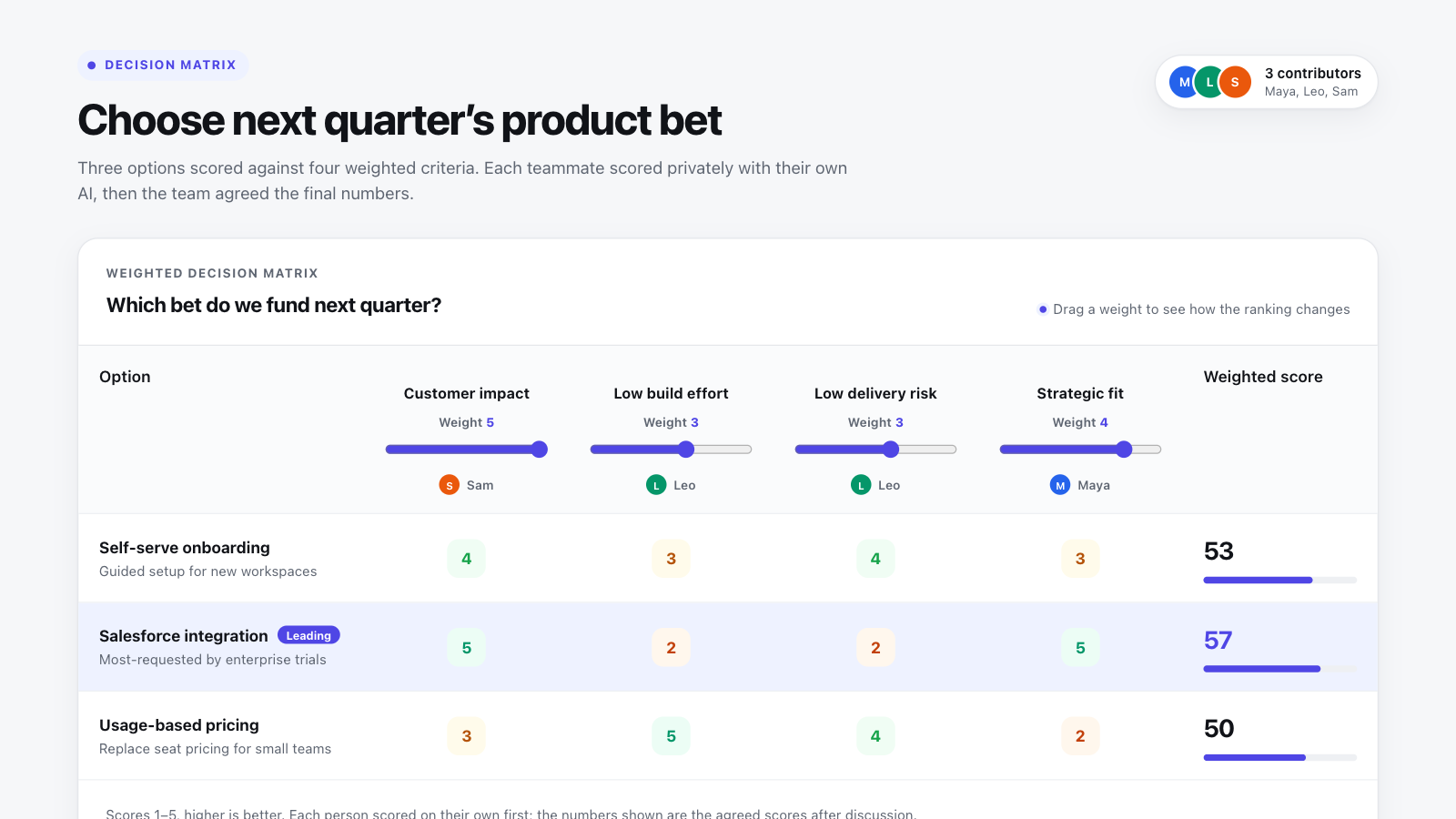
Score options against weighted criteria and see live which one wins, and how close it is.
5 whys template
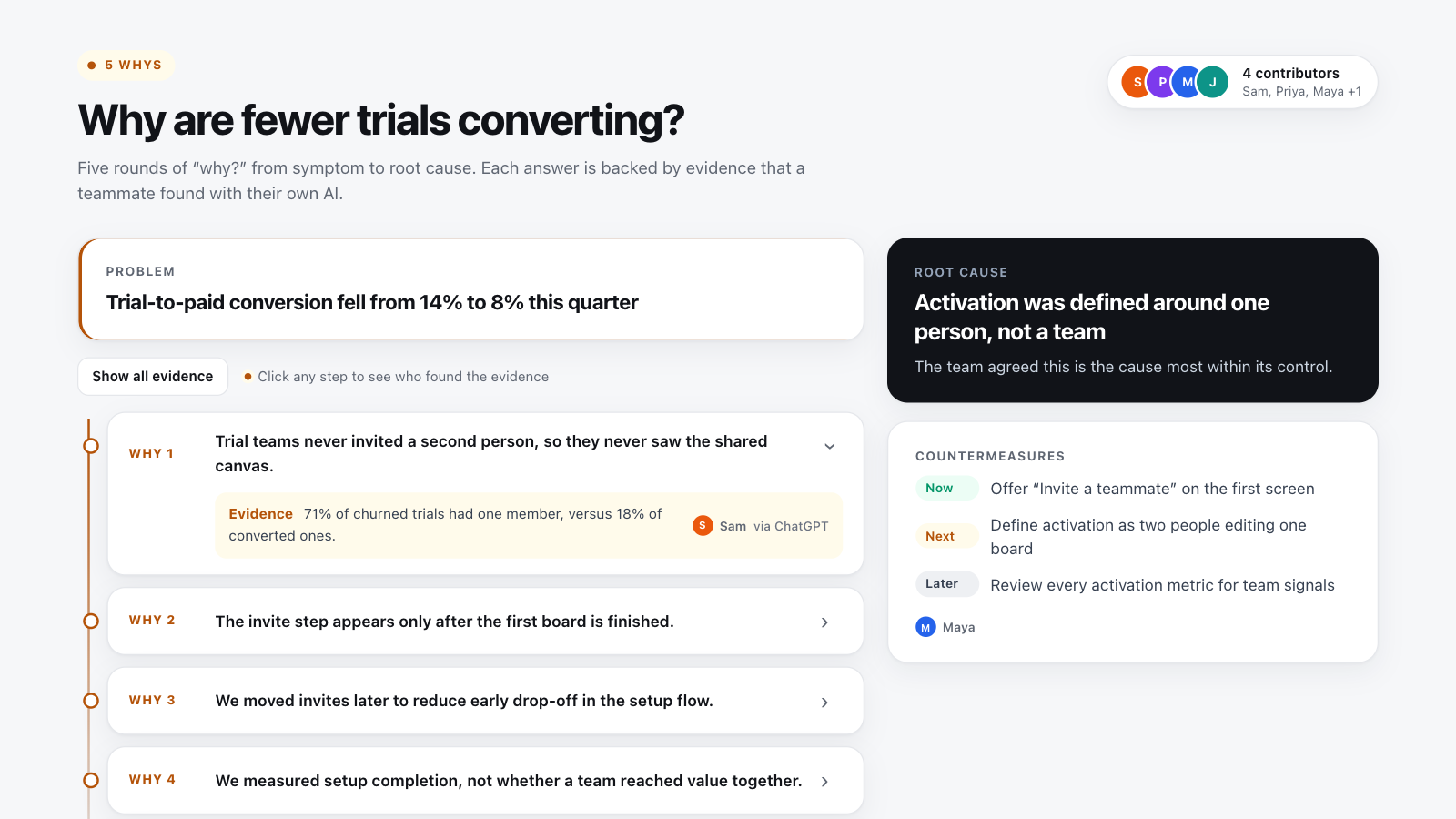
Ask “why?” five times, back each answer with evidence, and agree on countermeasures.
Team charter template
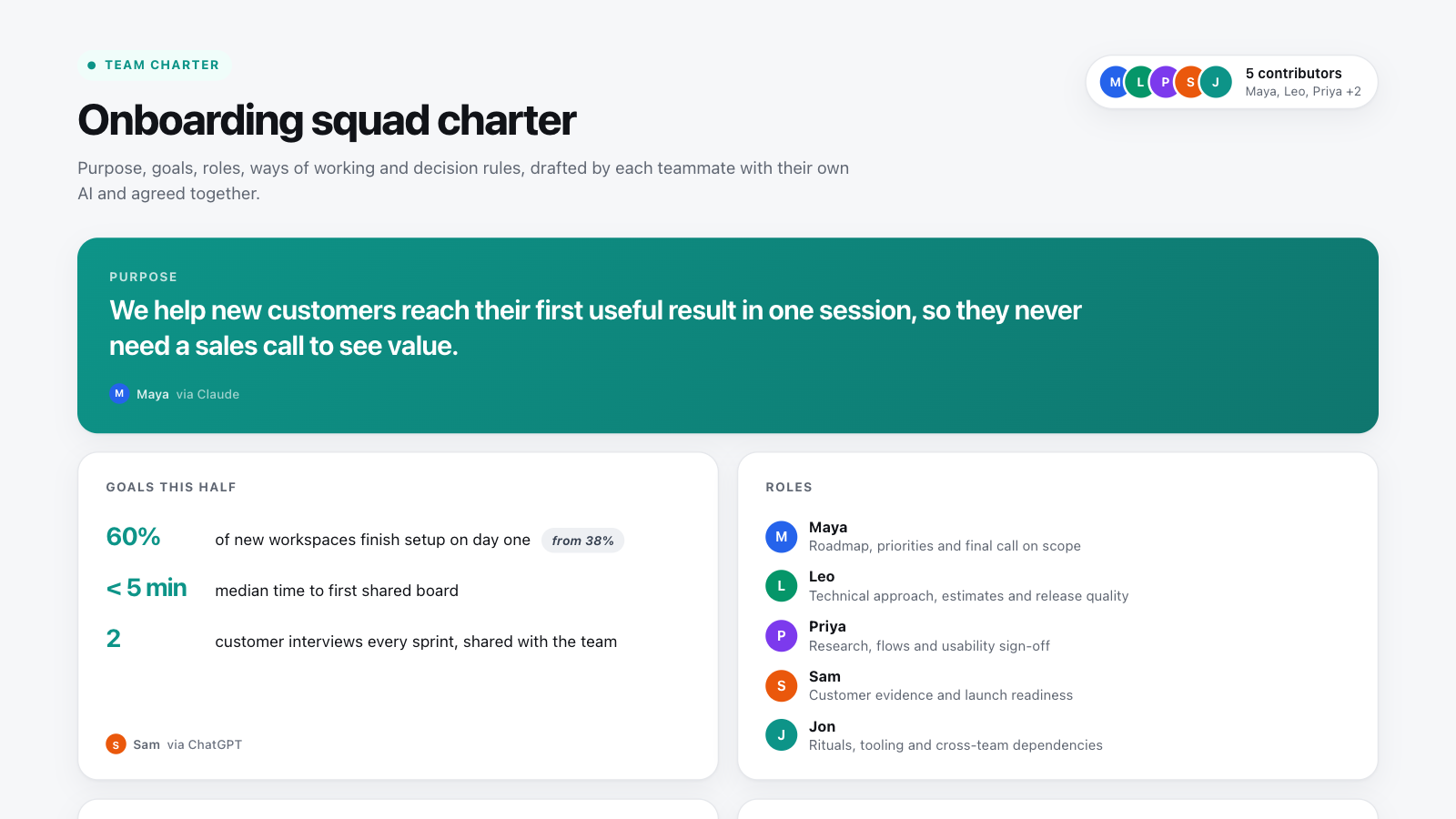
Agree purpose, goals, roles, ways of working and decision rules, then have everyone sign off.